


Making Your Ceiling Heaters Actually Smart
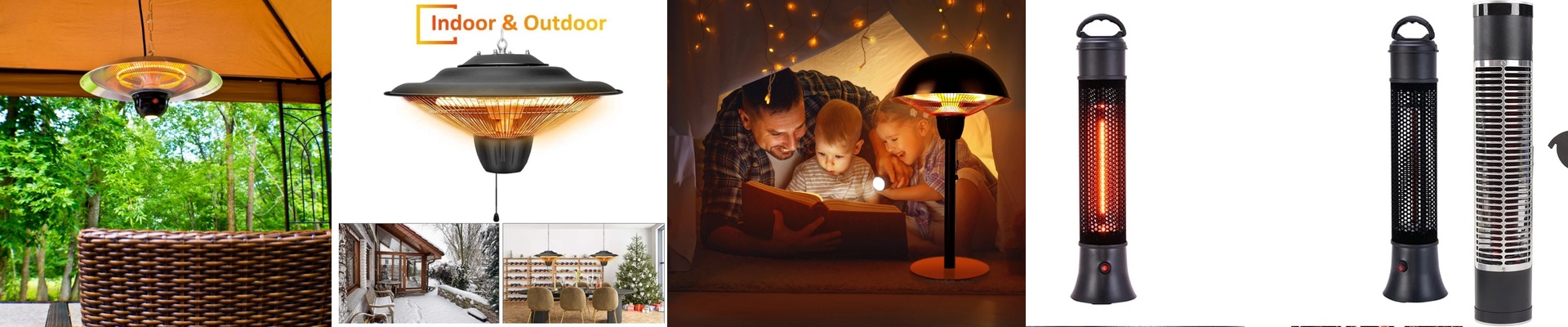
Most heaters just blow hot air around, which is fine, but recessed infrared heaters are different. They don’t bother with the air; they just beam heat directly onto you. It’s that feeling of stepping into sunlight on a cold day. When you hook these up to a smart home system, you stop messing with wall switches and start letting the house handle the mood.
The Hardware Side of Things
Here is the catch: these heaters pull a lot of power. If you try to use a cheap smart switch from a big-box store, you’ll probably fry the internal contacts in a week. It’s just not built for that kind of load. You really need a heavy-duty contactor or a dedicated power module that can handle the amps without breaking a sweat. The best part? It’s instant. Because there’s no big metal element that needs to warm up first, the second you tap “On” in your app, you feel it. No waiting around. Just immediate warmth.
Getting the Logic Right
A smart switch is a start, but if you want the house to actually think, you need a few more tools. We usually throw in some PIR motion sensors and temperature probes. This way, the heat doesn’t just run for the ghosts in the room. If the house is empty and it’s 15°C, the heaters stay off. The moment you walk in? Boom. Warmth. But you have to be careful where you put your sensors. If the probe is sitting right in a cold draft, it’ll tell the heater to blast away even when it’s already cozy. Or worse, if it’s too close to the heater’s line of sight, it’ll shut off too early. Stick the probe somewhere neutral so the system doesn’t keep flickering on and off.
A Few Installation Tips
Putting these in the ceiling looks great—clean, minimal, out of the way. But it does trap some heat back in the ceiling void. Check your spacing. If you pack your insulation too tight around the recessed box, the unit might think it’s overheating and trip the thermal cutoff. Give the wiring some breathing room so everything runs cool while you stay warm.